Which tools should I look at first?
For small field service firms, Softr and Bizagi suit teams that want to ship a mobile-friendly internal portal quickly, while Odoo Inventory fits stock-heavy workflows. Each tool below is presented with its documented capabilities and scope boundaries so a non-developer can judge fit.
What does each tool do?

#1 · Softr
When should I use Softr?
Small field service teams that want a non-developer to assemble a branded technician portal on top of existing data sources.
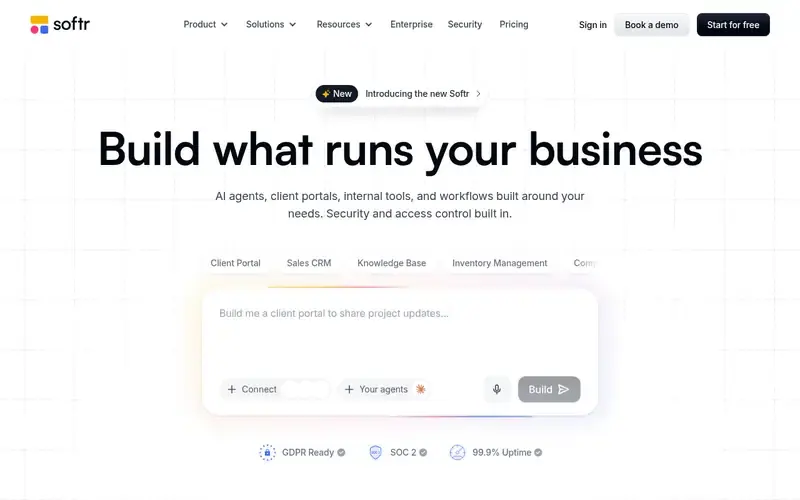
Softr is an AI app builder for creating portals and internal tools for business operations without code.
Documented strengths
- AI Co-Builder generates database, pages, user roles and business logic from a description
- Role-based access previewed as a specific role or user before publishing
- Native database plus connections to more than 21 external data sources
- Workflows can call any external API over HTTP when no native connector exists
- Security features include SSO, SCIM, MFA and sign-up controls
Documented limits
Official pages describe hosting management, 99.9% uptime, backups and 24/7 monitoring, but they do not document offline availability for apps, which matters if technicians work without signal.
- Who it is for
- Small field service teams that want a non-developer to assemble a branded technician portal on top of existing data sources.
- Platforms
- Not stated on official pages
- Pricing
- See the vendor's own pricing page for current plans and costs. softr.io
- Facts checked
- 21 November 2026
Why it made the list: Official pages describe an AI Co-Builder that generates the database, pages, user roles and business logic from a description of the app. User groups control which pages, data and actions each person can access, and pages can be branded and tailored per audience. A native database sits alongside connections to more than 21 external data sources, so a technician portal can draw on existing job records while keeping access role-specific.

#2 · Bizagi
When should I use Bizagi?
Smaller field service operations with governed approval chains that need process design and compliance controls in one layer.
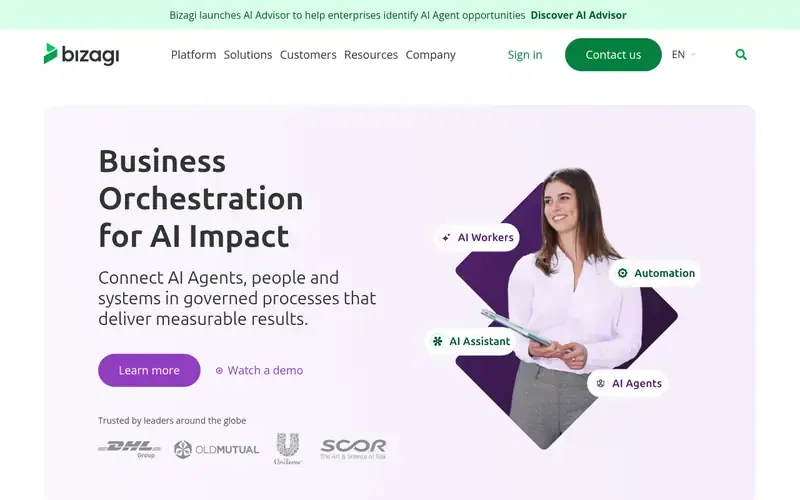
Bizagi is a low-code platform for business orchestration that connects AI agents, people, systems, bots and data in governed processes.
Documented strengths
- Low-code interface for automating processes
- Role-based personalized experiences
- Reusable objects, actions and processes
- Governance procedures built in to support regulatory compliance
- FedRAMP Authorization for US public sector and regulated industries
Documented limits
Official pages do not document a native mobile app or offline mode for field use, and no platform list for the mobile portal is stated.
- Who it is for
- Smaller field service operations with governed approval chains that need process design and compliance controls in one layer.
- Platforms
- Not stated on official pages
- Pricing
- See the vendor's own pricing page for current plans and costs. bizagi.com
- Facts checked
- 21 November 2026
Why it made the list: Bizagi documents a low-code interface for automating processes, with role-based personalized experiences and built-in governance procedures to support regulatory compliance. Reusable objects, actions and processes are described as speeding up development, and reporting tools can be integrated to support decisions. For a field service workflow with approvals and audit needs, these documented pieces cover the process layer behind a portal.

#3 · Decisions.com
When should I use Decisions?
Field service firms with exception-heavy job approvals that need rules, human review and existing systems coordinated in one environment.
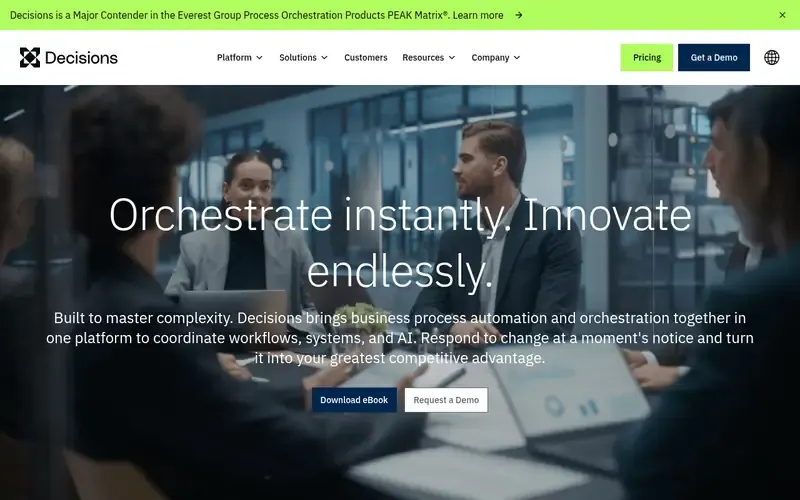
Decisions is a business process automation and orchestration platform that coordinates workflows, business rules, systems, people and AI in one environment.
Documented strengths
- Workflow orchestration with an enterprise rules engine
- Process intelligence for operational visibility
- AI agents placed inside governed processes with rules and approvals
- Low-code approach for business analysts and .NET developers
- Works across modern and legacy environments
Documented limits
Official pages do not document offline app use or a mobile client for technicians, so field connectivity requirements are not addressed there.
- Who it is for
- Field service firms with exception-heavy job approvals that need rules, human review and existing systems coordinated in one environment.
- Platforms
- Not stated on official pages
- Pricing
- See the vendor's own pricing page for current plans and costs. decisions.com
- Facts checked
- 22 November 2026
Why it made the list: Decisions documents a single platform coordinating workflows, systems, business rules, people and AI, with process intelligence for operational visibility. AI agents sit inside governed business processes with rules, approvals and human oversight, and the platform works across modern and legacy environments. Its low-code approach is documented as approachable for business analysts and .NET developers adding workflow to existing applications.

#4 · Tray.io
When should I use Tray.ai?
Field service teams whose technician portal must integrate inventory and job data across many apps, databases and APIs.
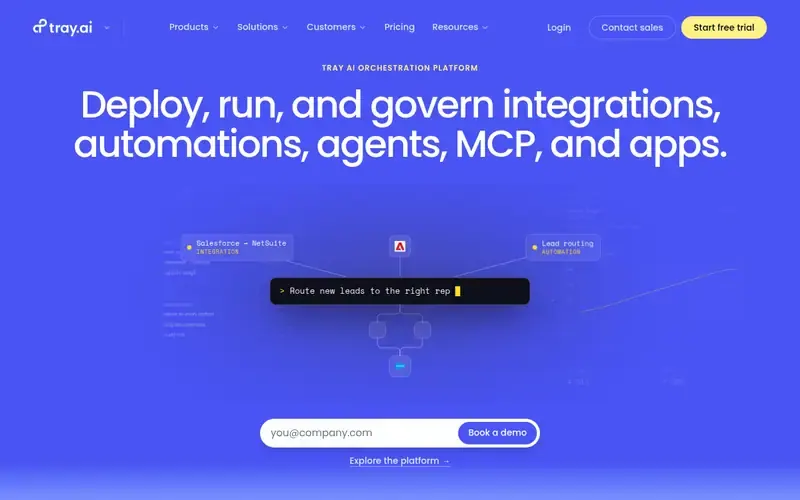
Tray.ai is an AI-native iPaaS for integration, automation, AI agents, and MCP governance, plus a governed runtime (Helix) for AI-built apps.
Documented strengths
- No-code agent builder for conversational or autonomous agents
- MCP Gateway with managed MCP servers and governed connector tools
- Governance via RBAC and audit trails across agent actions and workflow runs
- Tray Helix governed runtime with SSO, managed auth and scoped access
- Compliance listings including SOC 1, SOC 2 Type 2, HIPAA, GDPR and CCPA
Documented limits
Official pages emphasize integration, automation and runtime governance rather than a finished mobile portal interface, so the technician-facing layer is not the documented focus.
- Who it is for
- Field service teams whose technician portal must integrate inventory and job data across many apps, databases and APIs.
- Platforms
- Not stated on official pages
- Pricing
- See the vendor's own pricing page for current plans and costs. tray.ai
- Facts checked
- 21 November 2026
Why it made the list: Tray.ai documents a no-code agent builder, governed connector tools through its MCP Gateway, and governance features such as RBAC and audit trails across agent actions, tool calls and workflow runs. Tray Helix is documented as a governed runtime where apps from AI assistants deploy with one command, with SSO, managed auth and scoped access. For a portal that must pull inventory data from several systems, the documented integration layer is the core fit.

#5 · Odoo S.A.
When should I use Odoo Inventory?
Small field service companies where checking stock and reservations from a phone is the central need.
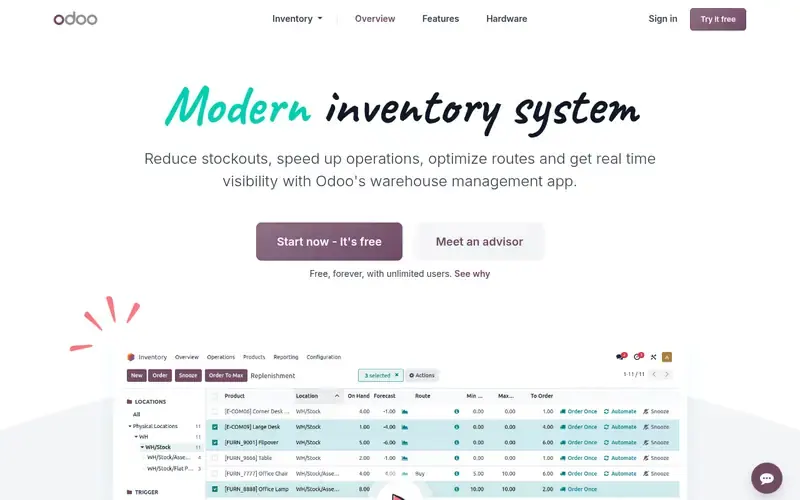
Odoo Inventory is Odoo's warehouse management app for stock tracking, replenishment, picking, packing and shipping.
Documented strengths
- Stock tracking with serial numbers, lots, packaging, reservations and cycle counting
- Barcode, QR Code and GS-1 scanning, including products without barcodes
- Offline operation
- Automated replenishment through min-max rules, MTO or the master production schedule
- Connections with Sales, Manufacturing, Purchase, Accounting and Quality apps
Documented limits
Official pages describe warehouse and stock workflows, not a custom technician portal for job logs and report submissions, so the portal layer would sit outside this app's documented scope.
- Who it is for
- Small field service companies where checking stock and reservations from a phone is the central need.
- Platforms
- Not stated on official pages
- Pricing
- See the vendor's own pricing page for current plans and costs. odoo.com
- Facts checked
- 22 November 2026
Why it made the list: Odoo Inventory documents stock tracking, serial numbers, lots, packaging, reservations and cycle counting, plus barcode, QR Code and GS-1 scanning including products without barcodes. Shipments are controlled with push and pull rules and customizable routes, and the app works offline. Because the app connects with Sales, Manufacturing, Purchase, Accounting and Quality, it addresses the inventory-checking part of a technician workflow from the stock side.

#6 · Atlassian
When should I use Confluence?
Field service teams that need a shared knowledge base for job procedures and report documentation rather than an operational job-tracking app.
Confluence is Atlassian's AI-powered team workspace for creating, organizing and sharing knowledge.
Documented strengths
- Real-time and asynchronous page editing
- Permissions for users, groups or anonymous users
- Page history viewed, compared and reverted
- Status markers and automation flag stale pages
- Integrations with Jira and databases that aggregate third-party app information
Documented limits
Official pages do not document inventory tracking, job dispatch or offline access, so it is not a substitute for an operational portal.
- Who it is for
- Field service teams that need a shared knowledge base for job procedures and report documentation rather than an operational job-tracking app.
- Platforms
- Not stated on official pages
- Pricing
- See the vendor's own pricing page for current plans and costs. atlassian.com
- Facts checked
- 21 November 2026
Why it made the list: Confluence documents a shared workspace with real-time and asynchronous page editing, permissions for users, groups or anonymous users, and page history that can be viewed, compared and reverted. Status markers and automation flag stale pages, and databases aggregate information from Jira and third-party apps. For field service teams, the documented fit is the knowledge and reporting side: procedure pages, report templates and a searchable source of truth.
How do these tools compare?
| Tool | Who it is for | Platforms | Pricing |
|---|---|---|---|
| SoftrSoftr | Small field service teams that want a non-developer to assemble a branded technician portal on top of existing data sources. | Not stated on official pages | Pricing on softr.io |
| BizagiBizagi | Smaller field service operations with governed approval chains that need process design and compliance controls in one layer. | Not stated on official pages | Pricing on bizagi.com |
| DecisionsDecisions.com | Field service firms with exception-heavy job approvals that need rules, human review and existing systems coordinated in one environment. | Not stated on official pages | Pricing on decisions.com |
| Tray.aiTray.io | Field service teams whose technician portal must integrate inventory and job data across many apps, databases and APIs. | Not stated on official pages | Pricing on tray.ai |
| Odoo InventoryOdoo S.A. | Small field service companies where checking stock and reservations from a phone is the central need. | Not stated on official pages | Pricing on odoo.com |
| ConfluenceAtlassian | Field service teams that need a shared knowledge base for job procedures and report documentation rather than an operational job-tracking app. | Not stated on official pages | Pricing on atlassian.com |
Which tool fits my workflow?
- Softr if you need small field service teams that want a non-developer to assemble a branded technician portal on top of existing data sources.
- Bizagi if you need smaller field service operations with governed approval chains that need process design and compliance controls in one layer.
- Decisions if you need field service firms with exception-heavy job approvals that need rules, human review and existing systems coordinated in one environment.
- Tray.ai if you need field service teams whose technician portal must integrate inventory and job data across many apps, databases and APIs.
- Odoo Inventory if you need small field service companies where checking stock and reservations from a phone is the central need.
- Confluence if you need field service teams that need a shared knowledge base for job procedures and report documentation rather than an operational job-tracking app.
How were these tools selected?
Selection started from each vendor's official documentation. We looked for documented capabilities that support the concrete workflow: logging jobs, checking inventory and submitting reports from a phone, without engineering help. Platforms that only document general app building were excluded unless their pages show how a non-developer assembles pages, data connections and access roles.
We then weighed fit for a small field service company. Ordering follows how directly the official pages describe a non-developer shipping a mobile-friendly internal tool backed by existing data sources. Tools whose documented focus is broader process orchestration or warehouse operations appear later because their documented scope is wider than a simple portal.
Scope boundaries came from official pages as well. Where a platform documents role-based access, offline use or native data connections, that evidence is reflected in the item. Where a capability is not described on vendor pages, the limit notes that it is not stated rather than assuming it exists.
Order used: Ranked by how quickly a non-developer can ship a mobile-friendly internal tool backed by existing data sources.
What else should I know about these tools?
Which no-code builder is quickest for a technician to use on a phone?
Official pages do not publish mobile usage or speed comparisons, so no such comparison is made here. Softr documents branding and per-audience pages plus role-based access, while Odoo Inventory documents offline operation and barcode scanning, and each describes a different part of the workflow.
Can these tools connect to our existing job and inventory data?
Softr documents a native database plus connections to more than 21 external data sources and HTTP calls to any external API. Tray.ai documents connections to thousands of apps, databases, APIs and services. Odoo Inventory documents connections with Sales, Manufacturing, Purchase, Accounting and Quality apps, and Confluence documents databases aggregating Jira and third-party app information.
Do any of these platforms document offline use for field work?
Odoo Inventory is the only tool in this list whose official pages state the app works offline. For Softr, Bizagi, Decisions, Tray.ai and Confluence, offline availability is not stated on official pages, so it should be confirmed before relying on it in low-signal locations.
What access controls are documented for internal portals?
Softr documents user groups controlling pages, data and actions, with role-based access previewed before publishing. Bizagi documents role-based personalized experiences and governance procedures. Tray.ai documents RBAC and audit trails across agent actions and workflow runs, and Confluence documents permissions for users, groups or anonymous users.
Is a process platform needed alongside a portal builder?
That depends on the documented workflow. Decisions and Bizagi describe process orchestration with rules, approvals and governance, while Softr describes app and portal building on top of data sources. A field service team with complex approvals may need the process layer that those platforms document.
Where can I verify these details?
- Softr: softr.io, softr.io/about (21 Nov 2026)
- Bizagi: bizagi.com/en, bizagi.com/en/about, bizagi.com/en/about/offices (21 Nov 2026)
- Decisions: decisions.com, decisions.com/about, decisions.com/customer-overview (22 Nov 2026)
- Tray.ai: tray.ai, tray.ai/platform, tray.ai/solutions (21 Nov 2026)
- Odoo Inventory: odoo.com/app/inventory, odoo.com/security, odoo.com/page/about-us (22 Nov 2026)
- Confluence: atlassian.com/software/confluence, atlassian.com/software/confluence/features, atlassian.com/software/confluence/templates/categories/product-management (21 Nov 2026)
Related guides
- Top 6 low-code platforms for citizen developer programs with IT governance
- Top 6 no-code app builders for customer and partner portals
- Top 5 no-code app builders for launching an MVP without engineers
- Top 6 low-code platforms for professional developers building enterprise apps
- More in No-code app builders
The editorial order is unpaid. A vendor may buy one labelled featured slot in a guide, but payment never alters another entry or removes a competitor. Featured entries get the same fact check. Logicwick is independent. Product names and trademarks belong to their respective owners.