The shortlist
If you write Ruby, Swift or Elixir, start with RuboCop, SwiftLint and Credo, each built for one language community. The shortlist then covers HLint for Haskell, Luacheck for Lua and lintr for R. It is for developers in niche language ecosystems who want a linter that fits their language's conventions instead of a generic multi-language tool.
Tool details

#1 · RuboCop
RuboCop
Ruby teams enforcing a shared style guide
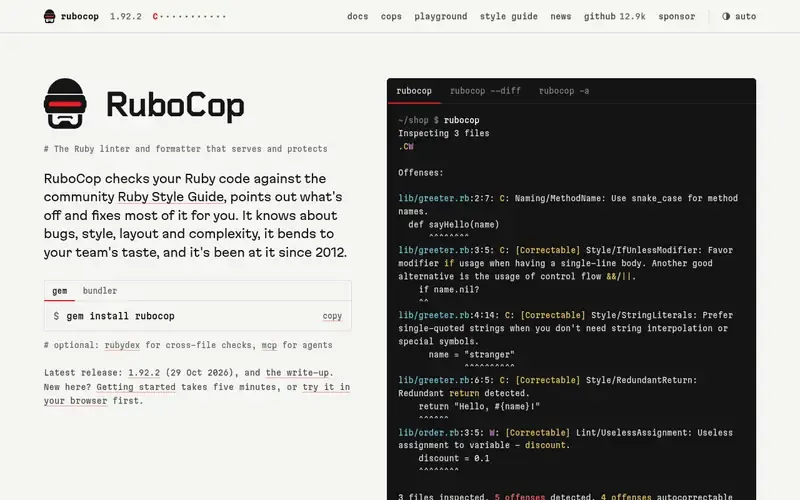
RuboCop is a Ruby linter and code formatter based on the community Ruby Style Guide. It checks code against the guide, reports problems and fixes most of them automatically.
Documented strengths
- Cops grouped into departments such as Lint, Style, Layout, Naming, Metrics and Security
- rubocop -a for safe corrections, -A for riskier ones, and --diff to preview a patch
- --auto-gen-config records existing offenses in .rubocop_todo.yml for older codebases
- Plugins for frameworks and libraries, plus custom cops for in-house conventions
- Built-in language server for live offenses and quick fixes in editors
Documented limits
The optional whole-project index for cross-file checks is documented as experimental and requires Ruby 3.2 or newer. Teams that depend on it should read the vendor documentation first.
- Who it is for
- Ruby teams enforcing a shared style guide
- Platforms
- Ruby projects; editors through the built-in language server
- Pricing
- See the vendor's own pricing page for current plans and costs. rubocop.org
- Facts checked
- 21 November 2026
Why it made the list: It sits first because its documentation covers the widest set of linting workflows for a single language: auto-correction, formatting, gradual adoption, plugins, custom rules and editor support.

#2 · Realm
SwiftLint
Swift and Xcode teams wiring linting into their build
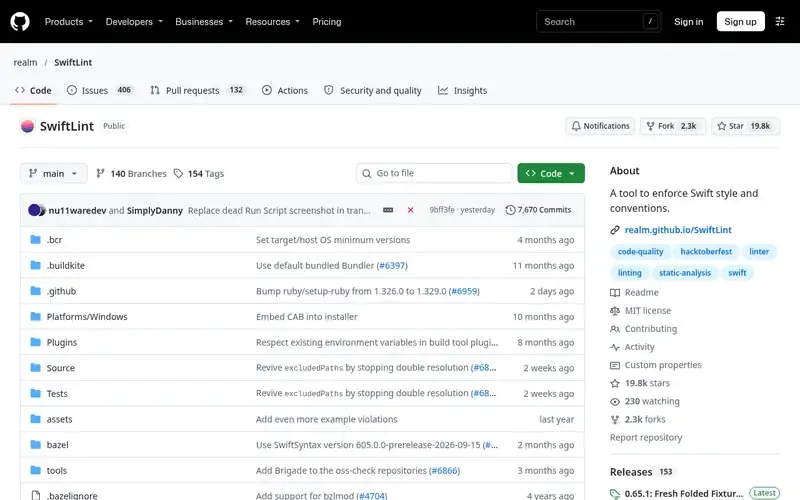
SwiftLint enforces Swift style and conventions, loosely based on the archived GitHub Swift Style Guide. Its rules are mostly built on SwiftSyntax, and some also use Clang and SourceKit for type information.
Documented strengths
- Command plugin and build tool plugin, the latter for Swift Package and Xcode projects
- Installation via CocoaPods (with version pinning), an installer package, or make install
- Can be consumed from Bazel
- Can be added to Xcode as a Run Script Build Phase
- The SwiftLintPlugins repository is recommended for consuming the package plugins
Documented limits
SwiftLint is designed to analyze valid, compilable source code, so it is not aimed at files that do not build. The official pages do not state a vendor audience, so check the repository for scope details.
- Who it is for
- Swift and Xcode teams wiring linting into their build
- Platforms
- Swift Package Manager, Xcode, CocoaPods, Bazel
- Pricing
- See the vendor's own pricing page for current plans and costs. github.com
- Facts checked
- 21 November 2026
Why it made the list: It comes second because its documentation has the most detailed integration options for Apple-platform builds, from Swift Package Manager plugins to Xcode and Bazel.
#3 · Credo project
Credo
Elixir developers who want consistent, readable code
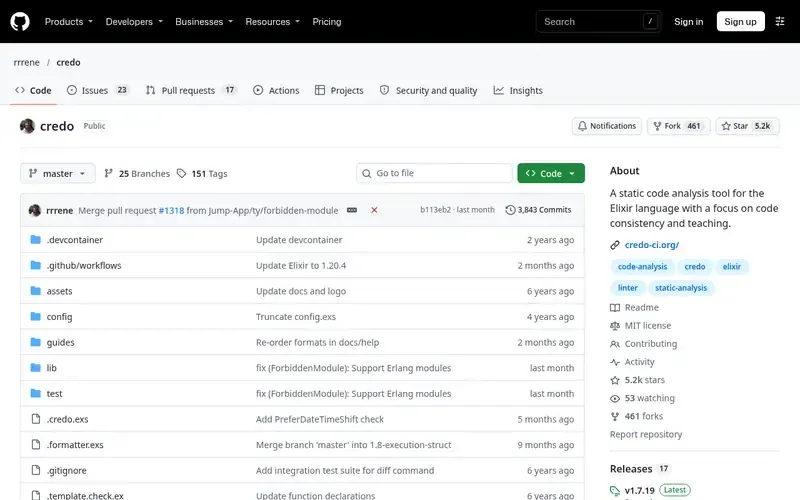
Credo is a static code analysis tool for Elixir focused on consistency and teaching. It reports refactoring opportunities, complex code, common mistakes and naming inconsistencies.
Documented strengths
- Flags refactoring opportunities, complex code, common mistakes and naming inconsistencies
- Helps enforce a desired coding style
- Added to a project via Mix
- Plugin for JetBrains IDEs and a VSCode extension
- Open source under the MIT License
Documented limits
Documented for Elixir projects and for reporting issues. Teams that need automatic correction or a specific CI setup should check the vendor documentation.
- Who it is for
- Elixir developers who want consistent, readable code
- Platforms
- Elixir projects via Mix; JetBrains IDEs and VSCode
- Pricing
- See the vendor's own pricing page for current plans and costs. github.com
- Facts checked
- 22 November 2026
Why it made the list: It is the Elixir entry on the list and sits third because its documented focus on consistency and teaching suits teams building a shared coding style.
#4 · Neil Mitchell
HLint
Haskell developers who want improvement hints
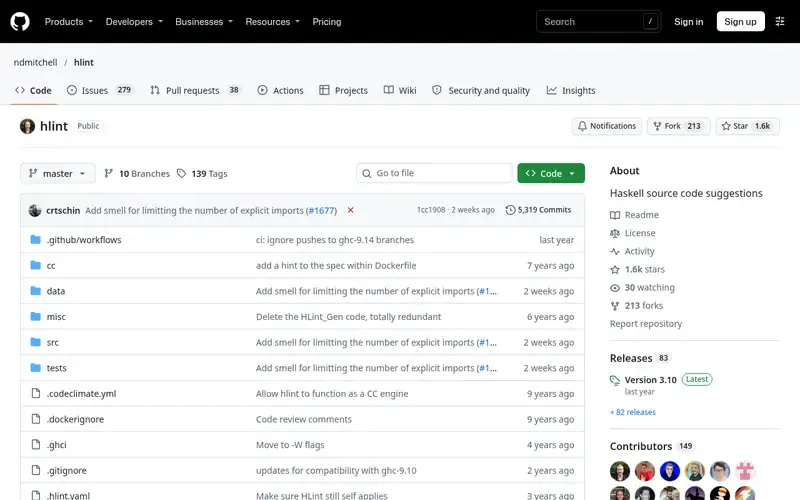
HLint suggests possible improvements to Haskell code, such as alternative functions, simpler code and removal of redundancies. Each hint has a severity and shows the found code with a suggested replacement.
Documented strengths
- Hints with severity levels, such as warning or suggestion
- Configured through a .hlint.yaml file
- Generates an HTML report, or a settings file that ignores all outstanding hints
- Applies some suggestions automatically with --refactor, which needs the refactor executable from the apply-refact package
- Available as a GHC plugin and integrates with Code Climate
Documented limits
HLint analyses each module in isolation, so it does not know about types or which names are in scope. Teams that need type-aware checks should check the vendor documentation.
- Who it is for
- Haskell developers who want improvement hints
- Platforms
- Installed through cabal from Hackage; prebuilt binary for CI; part of several Haskell IDEs and tools
- Pricing
- See the vendor's own pricing page for current plans and costs. github.com
- Facts checked
- 22 November 2026
Why it made the list: It is the Haskell pick and sits fourth because its documentation is strong on gradual adoption and CI use, though it works on a narrower, hint-based model than the tools above.
#5 · Luacheck project
Luacheck
Lua developers who need configurable static checks
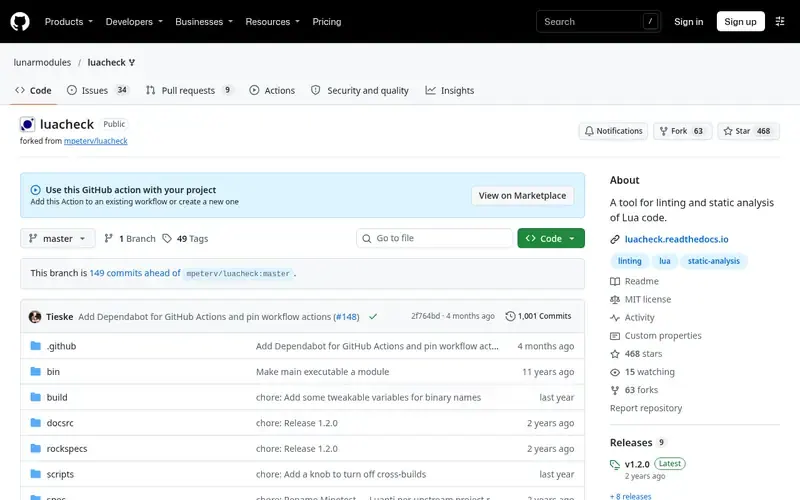
Luacheck is a static analyzer and linter for Lua. It detects undefined globals, unused variables, uninitialized variable access and unreachable code.
Documented strengths
- Options set on the command line, in a config file, or in comments inside checked files
- Supports Lua 5.1 - 5.4 and LuaJIT syntax
- Editor plugins for Vim, Sublime Text, Atom, Emacs, Brackets, VS Code, Nova and Geany
- Standalone Docker container and a GitHub Action for CI
- MIT license
Documented limits
Documented for Lua 5.1 - 5.4 and LuaJIT syntax. Parallel checking requires LuaLanes, so teams that want it should confirm that dependency in the vendor documentation.
- Who it is for
- Lua developers who need configurable static checks
- Platforms
- Installed via LuaRocks; single-file 64-bit binary for Windows; Docker
- Pricing
- See the vendor's own pricing page for current plans and costs. github.com
- Facts checked
- 22 November 2026
Why it made the list: It sits fifth because it is a focused analyzer for one language with broad documented editor, Docker and CI support.
#6 · r-lib
Lintr
R users linting projects or packages
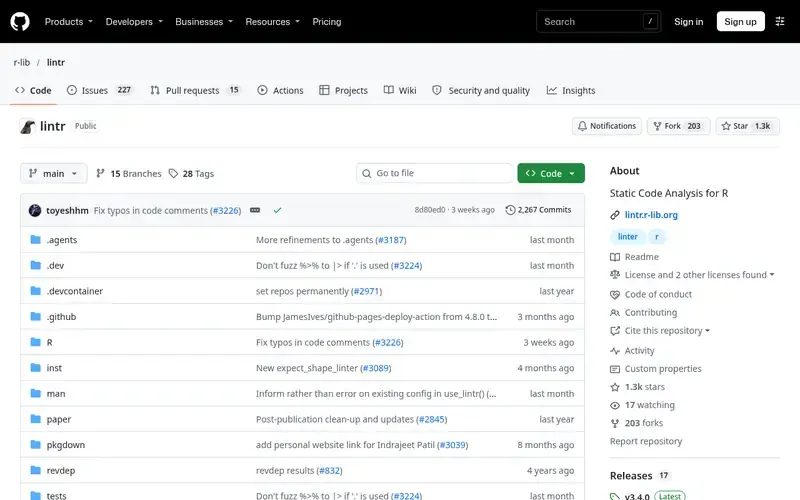
lintr is a static code analysis package for R that checks code for style adherence, syntax errors and possible semantic issues. It reports the problems it finds so the user can act on them.
Documented strengths
- Tidyverse linter set by default, plus a full set of all linters
- Flags = instead of <- for assignment, T and F instead of TRUE and FALSE, and unneeded explicit return() calls
- Checks indentation
- Can lint whole projects or packages
- usethis helpers generate lint workflows for GitHub Actions
Documented limits
lintr reports problems and complements the styler package, which does the automatic restyling. Teams that expect automatic fixes from the linter itself should check the vendor documentation.
- Who it is for
- R users linting projects or packages
- Platforms
- Stable version from CRAN, development version from GitHub; runs in CI or inside an IDE or text editor
- Pricing
- See the vendor's own pricing page for current plans and costs. github.com
- Facts checked
- 22 November 2026
Why it made the list: It closes the list because it covers R, the one language here whose documented workflow centres on projects and packages and relies on a companion tool for restyling.
Side-by-side comparison
| Tool | Who it is for | Platforms | Pricing |
|---|---|---|---|
| RuboCopRuboCop | Ruby teams enforcing a shared style guide | Ruby projects; editors through the built-in language server | Pricing on rubocop.org |
| SwiftLintRealm | Swift and Xcode teams wiring linting into their build | Swift Package Manager, Xcode, CocoaPods, Bazel | Pricing on github.com |
| CredoCredo project | Elixir developers who want consistent, readable code | Elixir projects via Mix; JetBrains IDEs and VSCode | Pricing on github.com |
| HLintNeil Mitchell | Haskell developers who want improvement hints | Installed through cabal from Hackage; prebuilt binary for CI; part of several Haskell IDEs and tools | Pricing on github.com |
| LuacheckLuacheck project | Lua developers who need configurable static checks | Installed via LuaRocks; single-file 64-bit binary for Windows; Docker | Pricing on github.com |
| Lintrr-lib | R users linting projects or packages | Stable version from CRAN, development version from GitHub; runs in CI or inside an IDE or text editor | Pricing on github.com |
Choose by need
- RuboCop if you need ruby teams enforcing a shared style guide.
- SwiftLint if you need swift and Xcode teams wiring linting into their build.
- Credo if you need elixir developers who want consistent, readable code.
- HLint if you need haskell developers who want improvement hints.
- Luacheck if you need lua developers who need configurable static checks.
- Lintr if you need r users linting projects or packages.
How this guide was built
We looked at how well each tool fits the job of linting a codebase in its own language: the checks it documents, how it is configured, how it can be adopted on an existing project, and which editors, build systems and CI setups its official pages mention. We also looked at the installation and platform documentation, because a linter only helps if it slots into the way a team already builds and ships code.
Every fact in this list comes from official vendor pages, and each page was checked on a recorded date. The order reflects editorial fit for this use case. Tools with the broadest documented tooling around their own language ecosystem come first, and the narrower, more specialised tools follow, and each position is explained in words rather than by any numeric measure. The list is built from documentation, not from product trials, so where a limit is noted it marks the edge of what the documentation states. Check the vendor's own pages for anything beyond that.
Order used: Ordered by maturity and adoption within their language community.
Common questions
Which linter should I use for Ruby?
RuboCop is the Ruby linter and code formatter on this list. It is based on the community Ruby Style Guide, fixes most problems automatically, and is configured in a single .rubocop.yml.
How do I add a linter to an existing codebase without fixing every warning at once?
Both RuboCop and HLint document a way to do this. RuboCop's --auto-gen-config option records existing offenses in .rubocop_todo.yml, and HLint can generate a settings file that ignores all currently outstanding hints.
Can SwiftLint run inside Xcode?
Yes. The build tool plugin works with both Swift Package projects and Xcode projects, and SwiftLint can alternatively be added to Xcode as a Run Script Build Phase.
Which of these linters can run in CI?
Luacheck has a GitHub Action and a Docker container, and lintr can run in continuous integration with usethis helpers for GitHub Actions workflows. HLint documents prebuilt binaries for CI and integrates with Code Climate.
Do these tools fix code automatically?
Some do. RuboCop applies corrections with -a or -A, and HLint can apply some suggestions with --refactor using the apply-refact package. lintr reports problems and complements the styler package for automatic restyling.
Sources
- RuboCop: rubocop.org (21 Nov 2026)
- SwiftLint: github.com/realm/SwiftLint (21 Nov 2026)
- Credo: github.com/rrrene/credo, github.com/about, github.com/features (22 Nov 2026)
- HLint: github.com/ndmitchell/hlint (22 Nov 2026)
- Luacheck: github.com/lunarmodules/luacheck, github.com/about, github.com/features (22 Nov 2026)
- Lintr: github.com/r-lib/lintr, github.com/about, github.com/features (22 Nov 2026)
Related guides
The editorial order is unpaid. A vendor may buy one labelled featured slot in a guide, but payment never alters another entry or removes a competitor. Featured entries get the same fact check. Logicwick is independent. Product names and trademarks belong to their respective owners.